Security & Deployment

Your fleet, your data, your infrastructure

Drone footage covers people, sites and incidents. Where it is stored, who can see it and how a launch is authorised are questions you should be able to answer in one page.

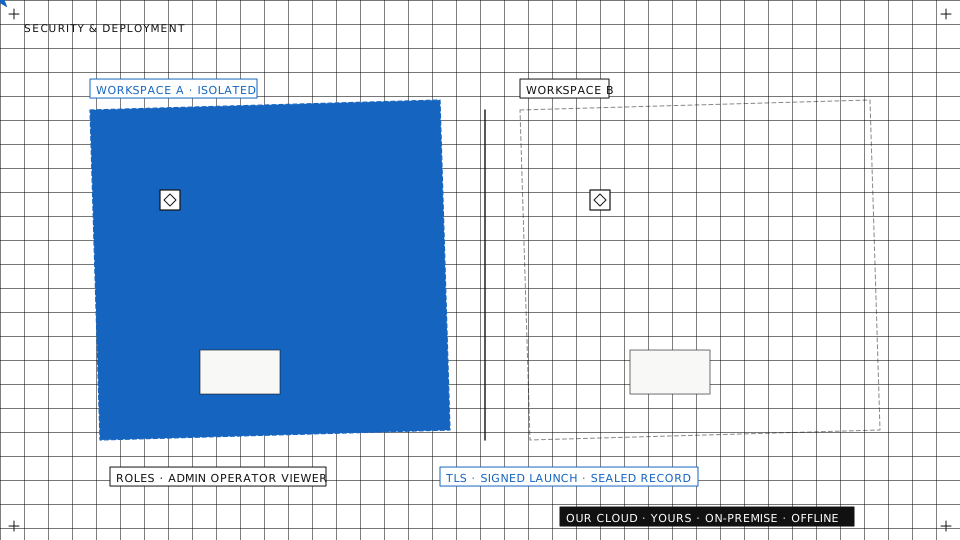
Plan map: two isolated workspaces side by side and the places the same software runs
Deployment

Four ways to run the same software

Kubernetes in the cloud, Docker Compose on-premise and in the field: identical artifacts.

Our cloud

We operate it in the EU, you log in. The fastest start, with updates and backups handled for you.


Your cloud

Deployed into your own cloud account and region, under your keys and your provider contract.

On-premise

On your servers, inside your network, for operations where nothing may leave the facility.

Field kit, offline

Broker, video and console on one laptop at the site. Flies with no internet and syncs when a link is back.

Same software, four places
OUR CLOUDEU, run by usCONSOLESERVICESBROKER · VIDEOYOUR CLOUDyour account, your regionCONSOLESERVICESBROKER · VIDEOON-PREMISEyour servers, your networkCONSOLESERVICESBROKER · VIDEOFIELD KITone laptop, no internetCONSOLESERVICESBROKER · VIDEOofflinesame artifacts everywhere
The same artifacts in every place: on-premise and offline are not stripped-down versions, and you can move between them later.
Security

Built in, not bolted on

Workspace isolation

Every request is checked against the caller's workspace. One organisation never sees another's fleet, flights or media.

Roles and permissions

Pilots, observers, admins and clients each see and do what their role allows, down to who may take control of an aircraft.

Encrypted links

Telemetry, commands and video travel over encrypted connections, authenticated per device and per user.

Encrypted device logs

Logs written on the aircraft side are encrypted on the device, so a lost controller or companion computer gives nothing away.

Signed launches

When the compliance gate is on, the aircraft arms only with a signed approval from the server that the checks passed.

Sealed flight records

Each flight record is sealed in a hash chain, so any later change to it shows.
Your data

Where your data lives is your decision

Residency, retention, exit

The deployment choice sets the jurisdiction. Retention and export are settings, not support tickets.
  • Data residencyChoose the deployment and region so footage and telemetry stay inside the legal boundary you operate under.
  • Retention and legal holdsKeep records as long as your rules say, and hold the ones an investigation needs even when the rest is deleted.
  • Export everythingFlights, logs, media and records leave in open formats. No lock-in by data hostage.
Your boundary, your rules
YOUR BOUNDARY · the region you choseFOOTAGETELEMETRYRECORDSRETENTIONretention limitoldertodaylegal holddeleted when due, kept when heldEXPORTvideoGeoJSON · KMLCSV · JSONflight logs
Footage, telemetry and records stay inside the boundary your deployment sets. Retention clears old records unless a legal hold keeps them, and everything exports in open formats.
NIS2

A supplier your NIS2 audit can check

Your duty, our answers

Under NIS2, essential and important entities must check the security of their suppliers. We make that check short.
  • Self-assessed against NIS2Each year we rate ourselves against the ten security measures of NIS2 Article 21, open items included, and share the result with customers under NDA.
  • Inside your own controlsRun AutrikOS in your own cloud or on your own servers, and it sits inside the network, logging and access rules you already audit.
  • Questions answered in writingSend your supplier questionnaire. You get written answers, and where a control is not in place yet, we say so.
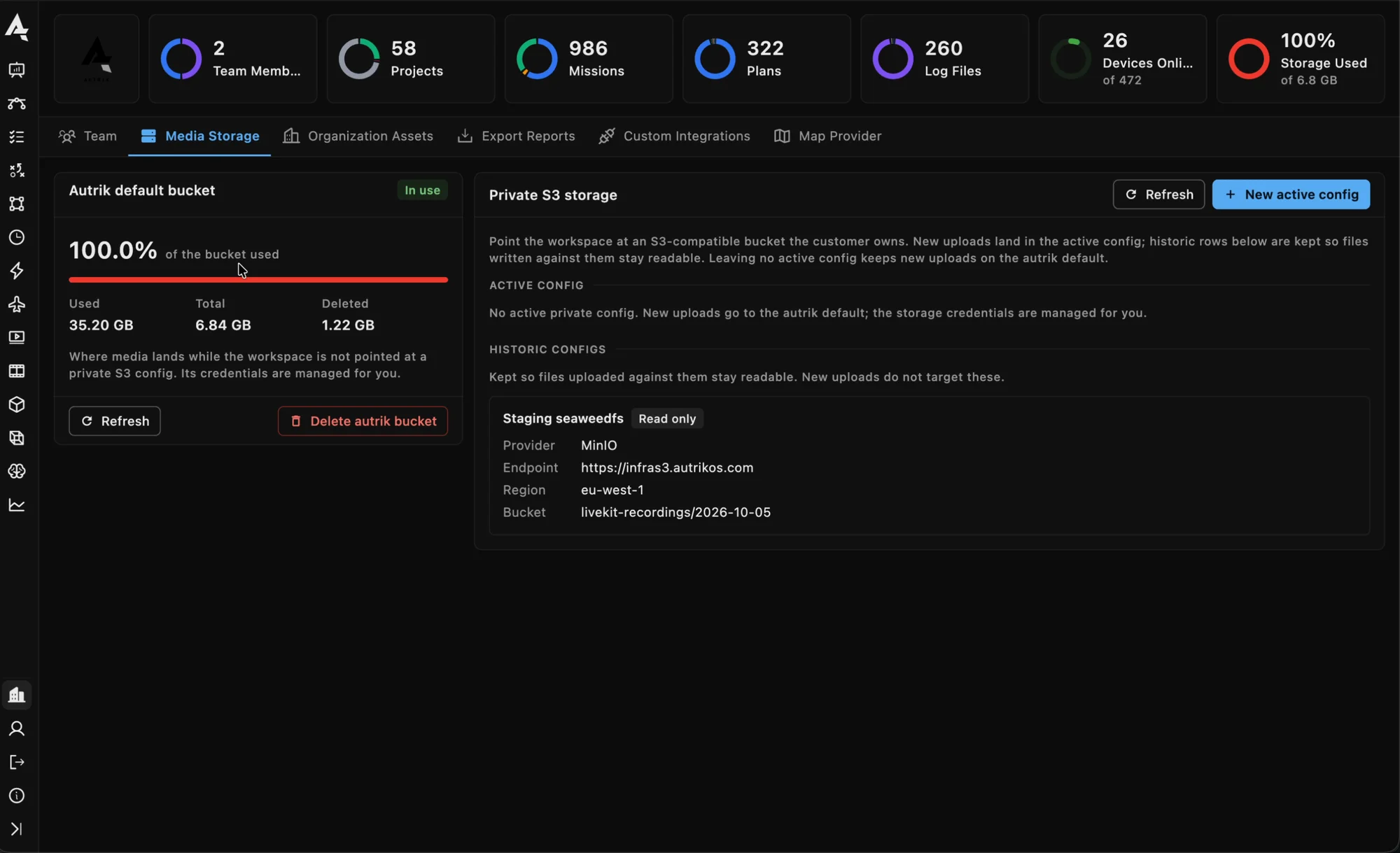
Organisation, Media storage: the workspace's bucket and a private S3 configuration of its own

Send us your security questionnaire

We answer it in writing, and map your residency and network rules to a deployment.